Your clothes on any model. No photoshoot.
AbrimaAI is an AI virtual try-on tool for clothing brands: it makes AI model photos for apparel stores without a photoshoot. Upload one photo of a garment and get realistic on-model product photos in any pose and color, from 12 image credits a photo.
Free credits to start · 12 credits per image · You only pay for images that are produced
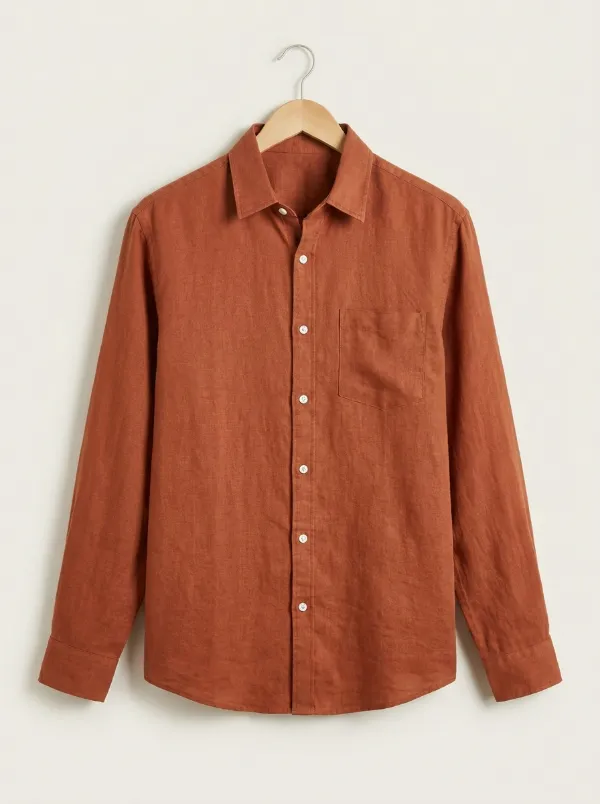
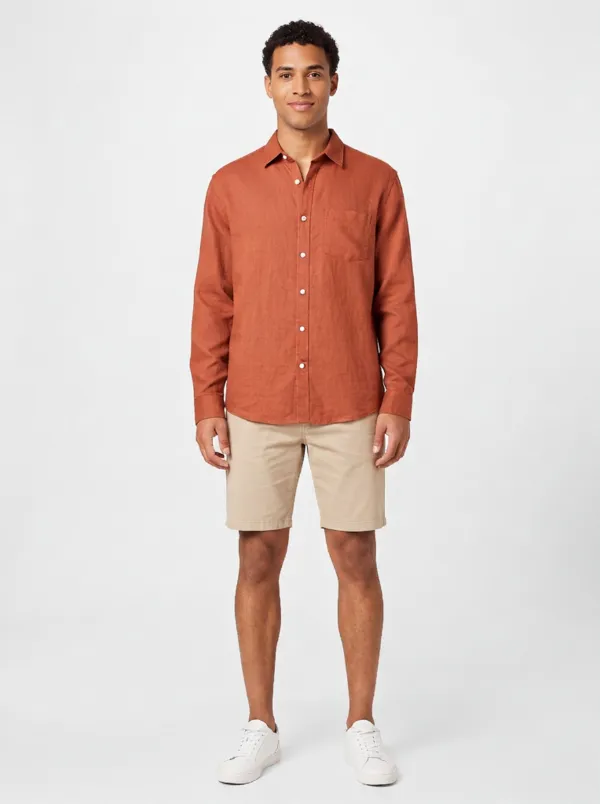
Real AbrimaAI output. Models are AI-generated.
A ready-made model library
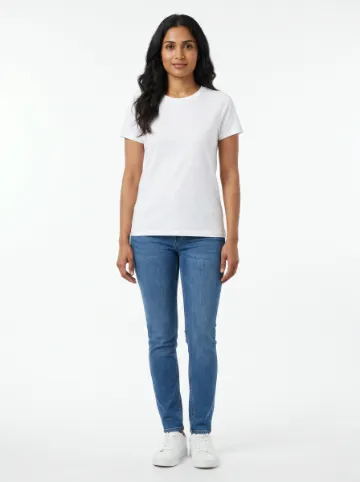
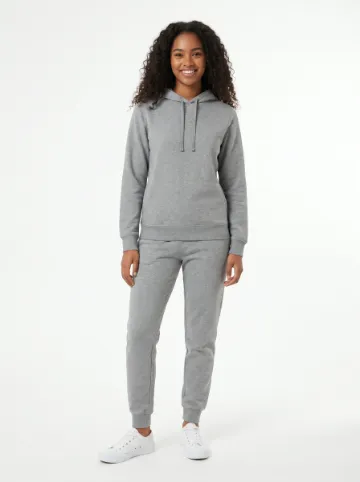
AI-generated models across body types, skin tones and styles, each photographed in several poses, or add your own model.
Full product page sets
Front, back and side (or three-quarter) shots of the same model in one click, each image appearing as soon as it's ready.
Every color from one photo
Recolor your garment into up to 6 colors and put each on the same model, plus a product-only photo per color.
New · Outfits & backdrops
The whole look, in the right setting
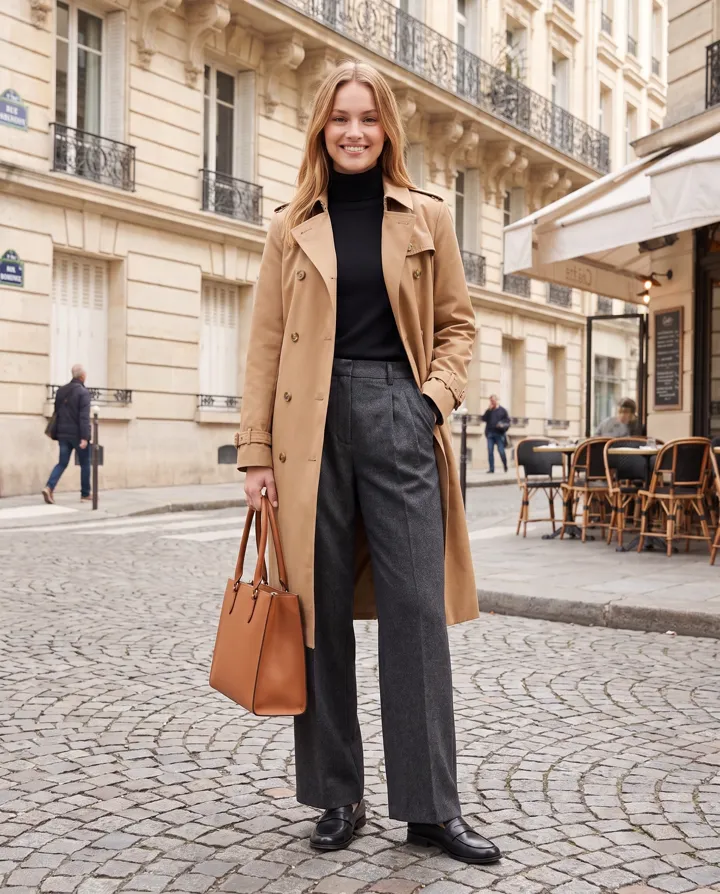
Upload up to 5 pieces, from the lehenga, choli and dupatta to a trench, trousers, loafers and a tote, and the model wears them together. Then put her on a wedding stage, a Paris street or a palace hall, in any frame up to 4K.
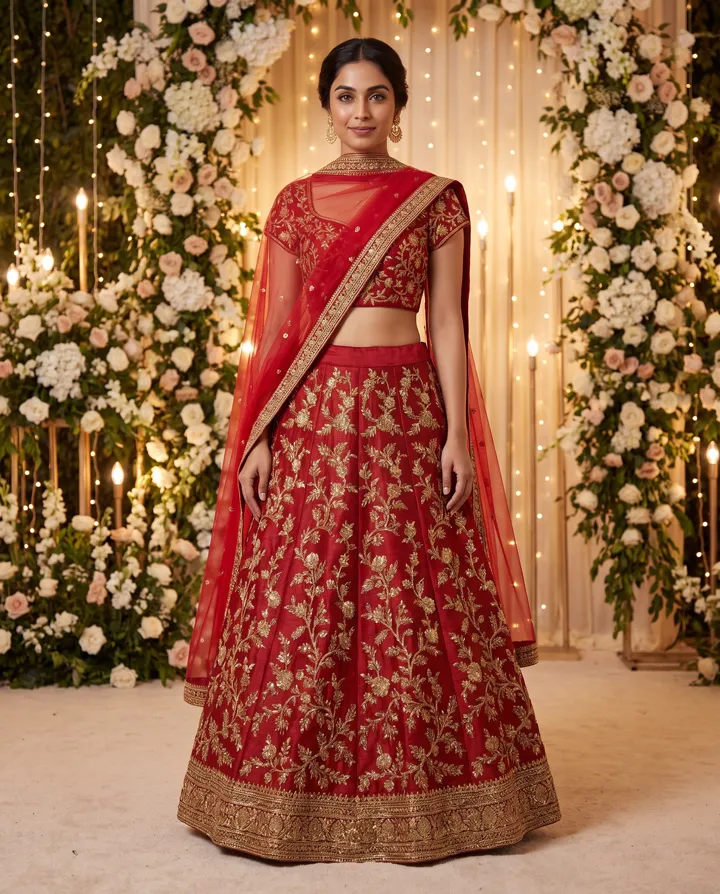
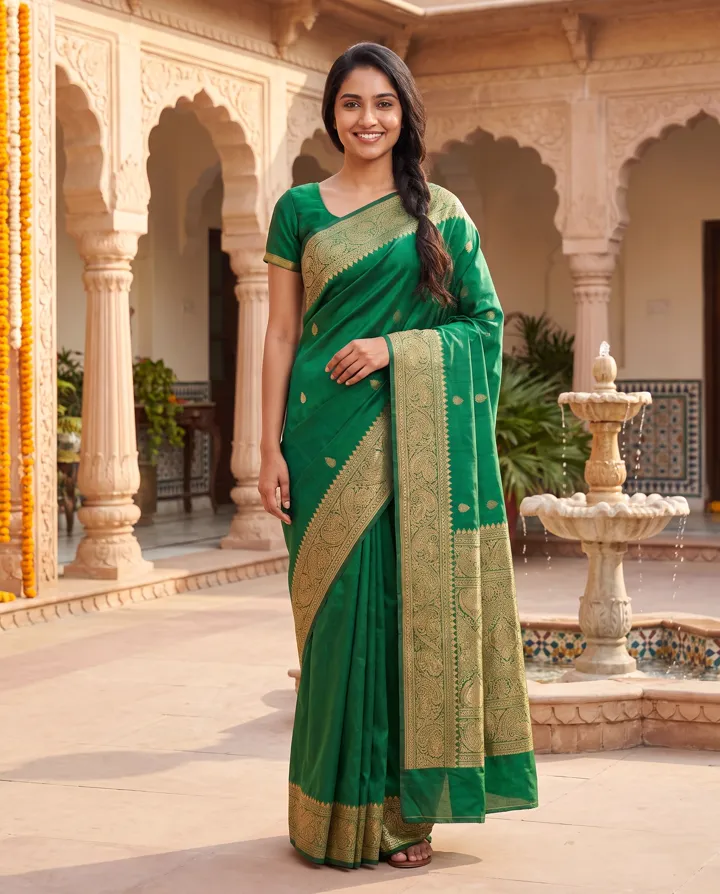
See try-on by category
Model library
Cast the right model for every customer
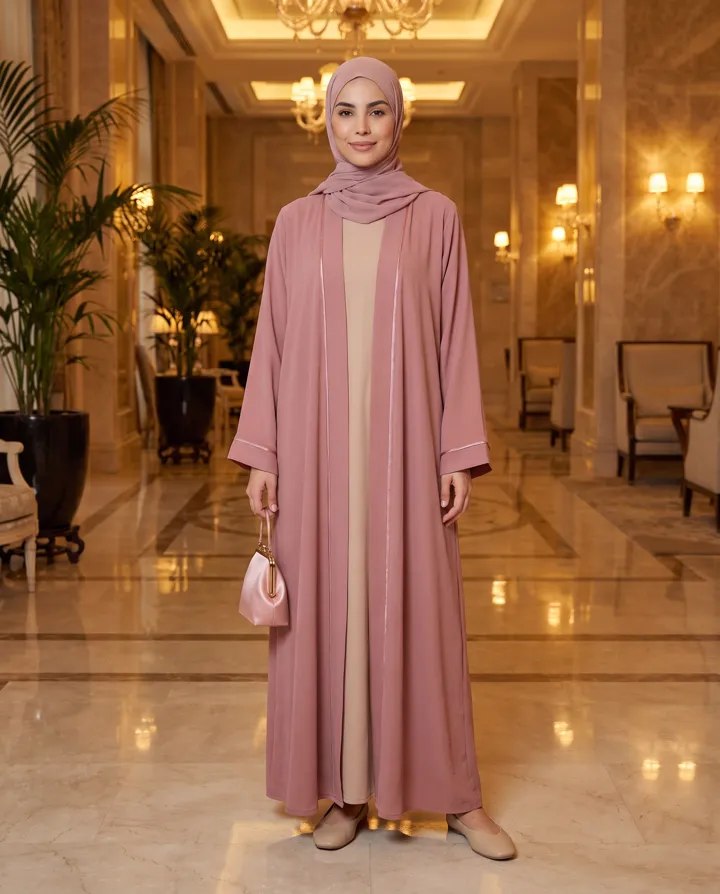
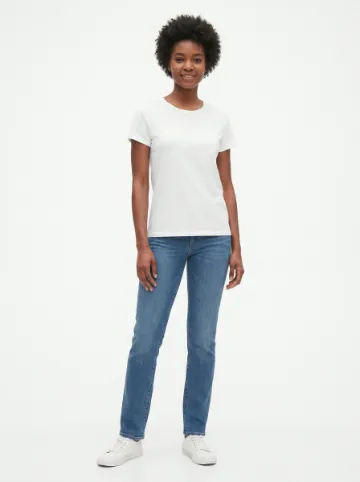
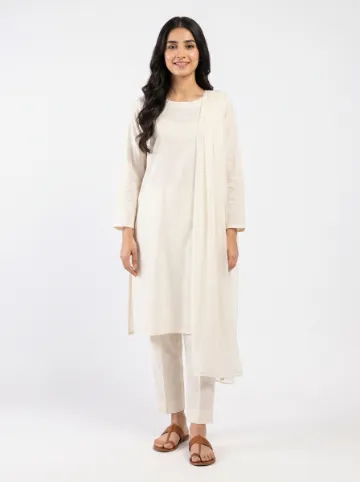
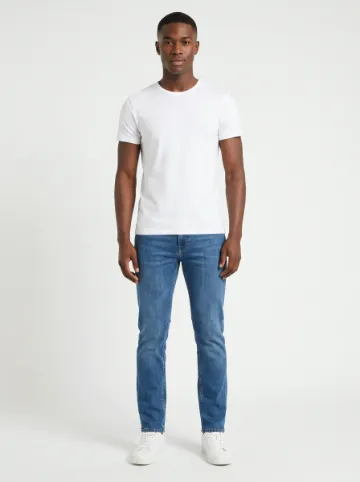
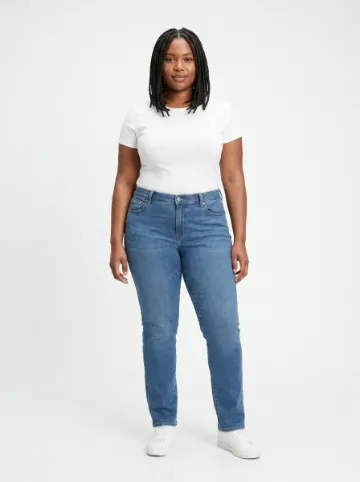
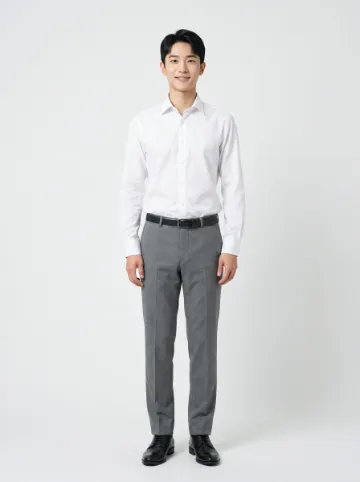
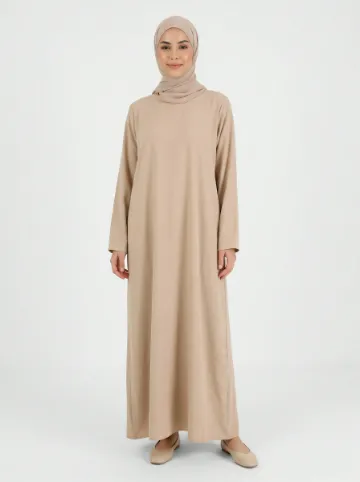
Show your clothes on the people you actually sell to. Filter the library by gender and style, from Western casual to South Asian, bridal and modest wear, or upload photos of your own model.
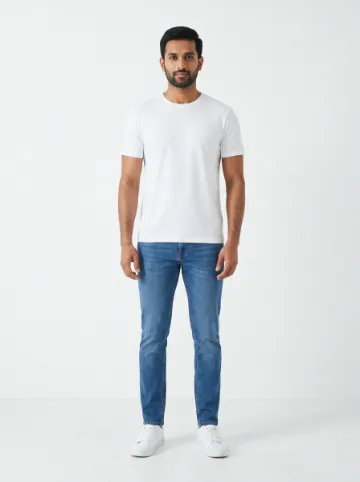
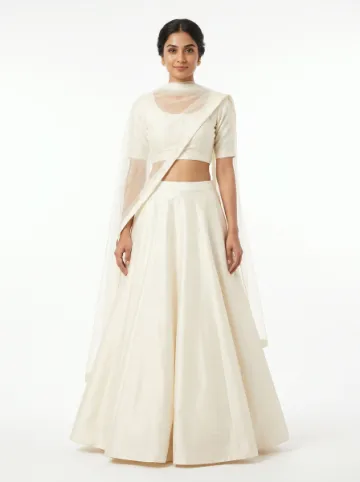
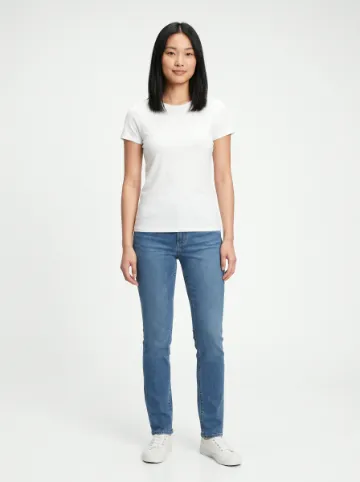
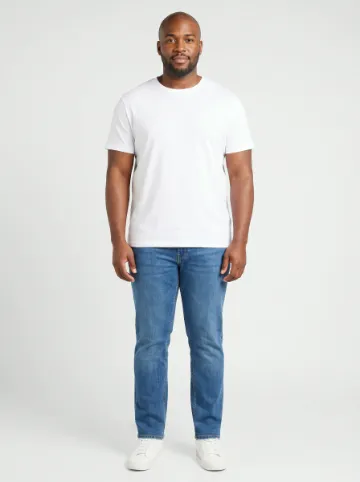
Colors
One photo. Every color. Same model.
Selling a style in several colors? Don't reshoot it. Pick the colors and AbrimaAI recolors your garment, keeps its buttons and stitching, and puts each color on the same model in the same pose. You also get a product-only photo in every color for your variant images.
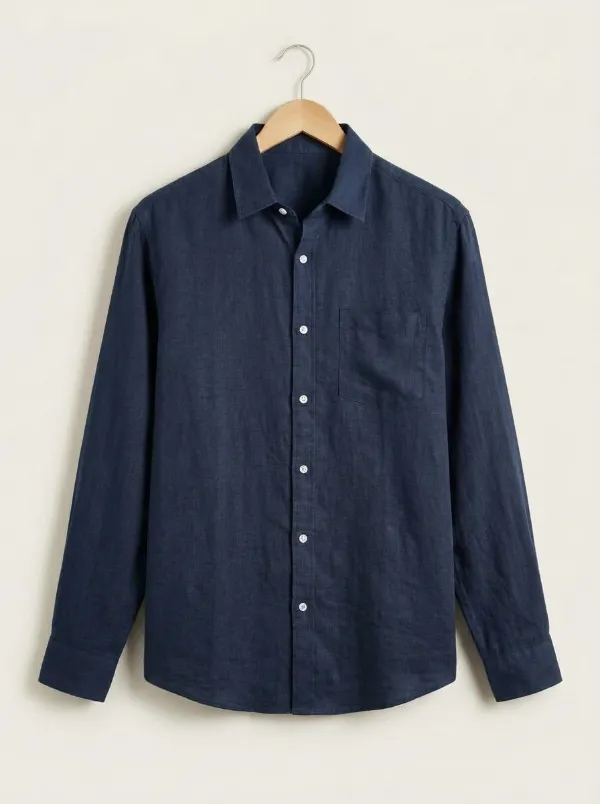
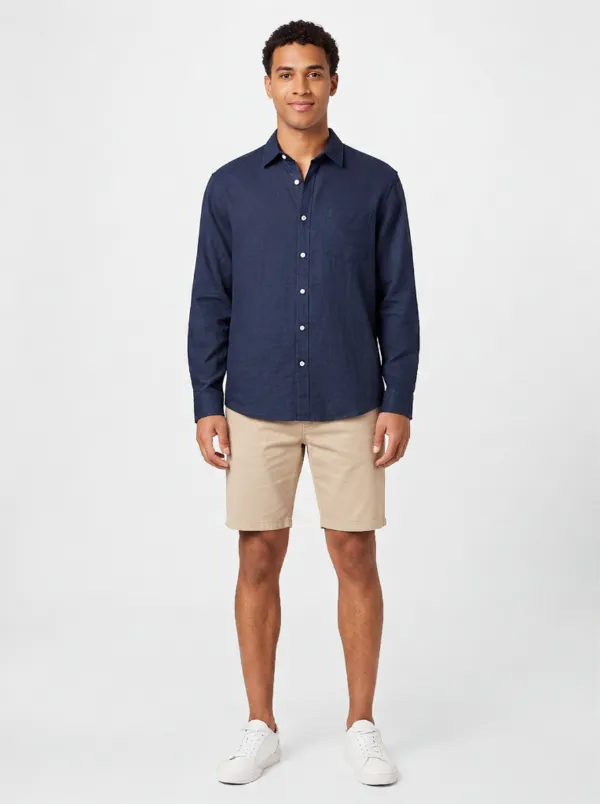
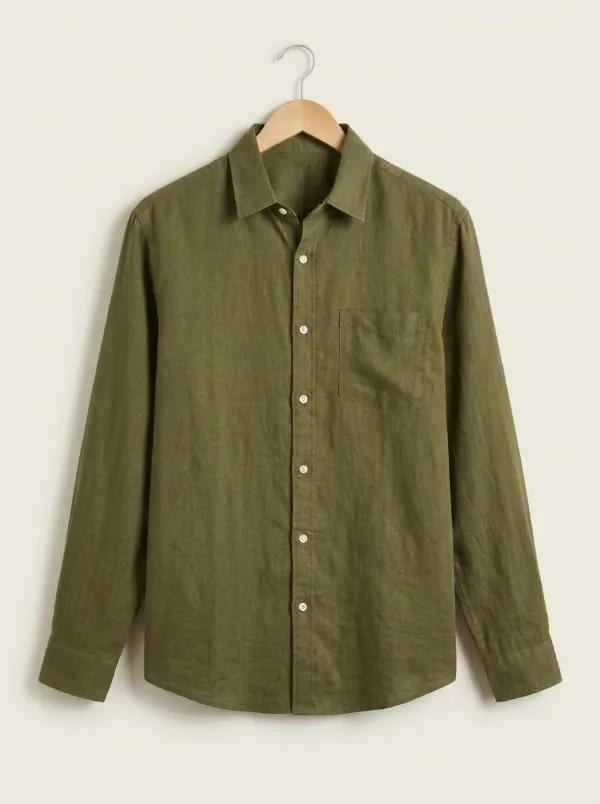
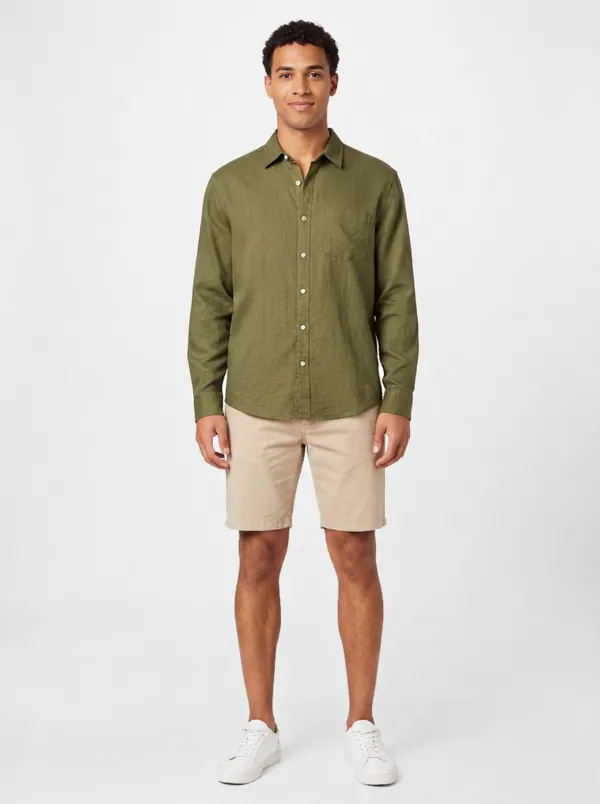
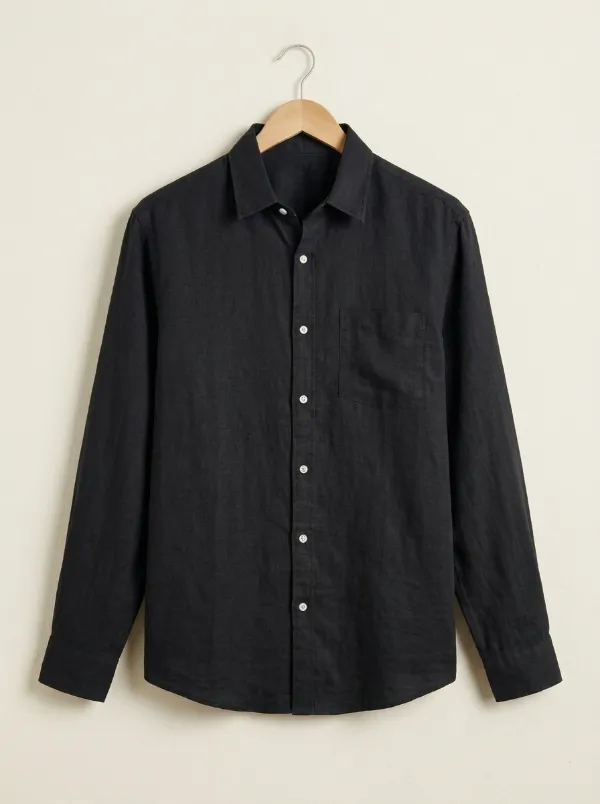
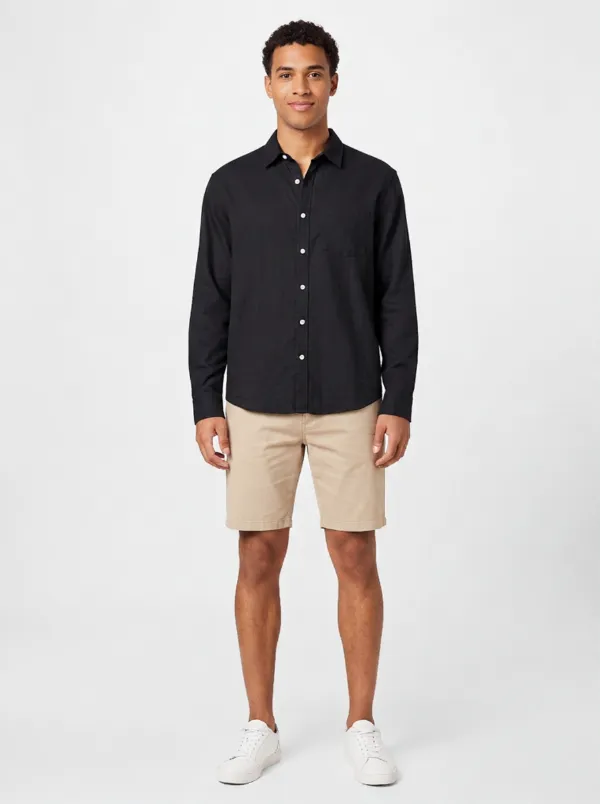
AI colors can differ slightly from your real fabric. For an exact shade, upload a photo of that color.
Pose sets
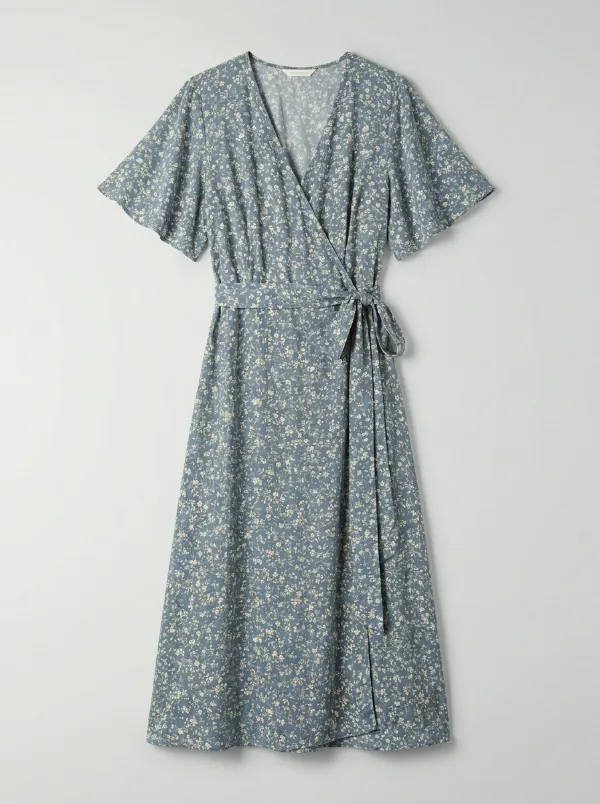
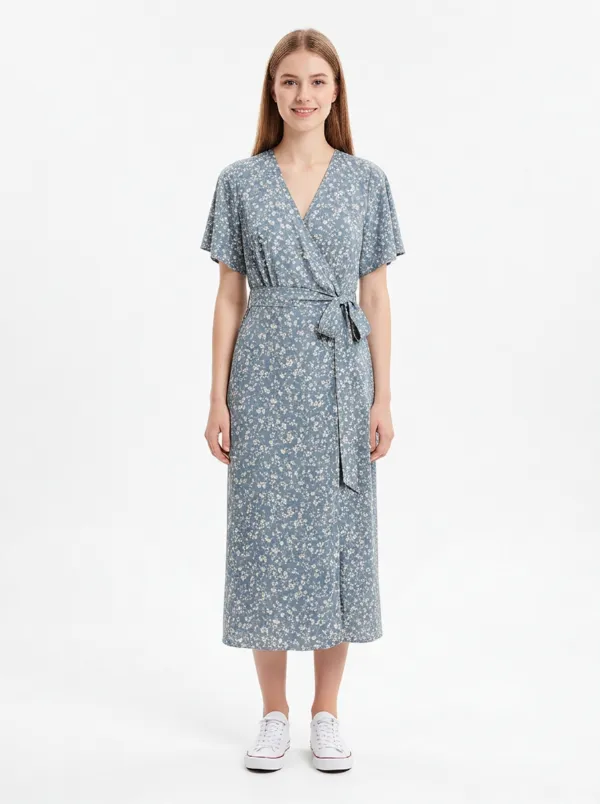
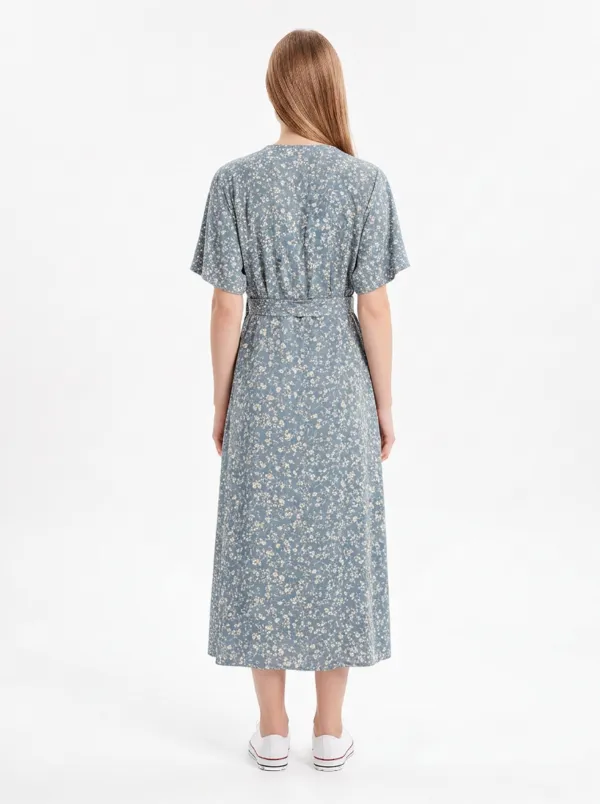
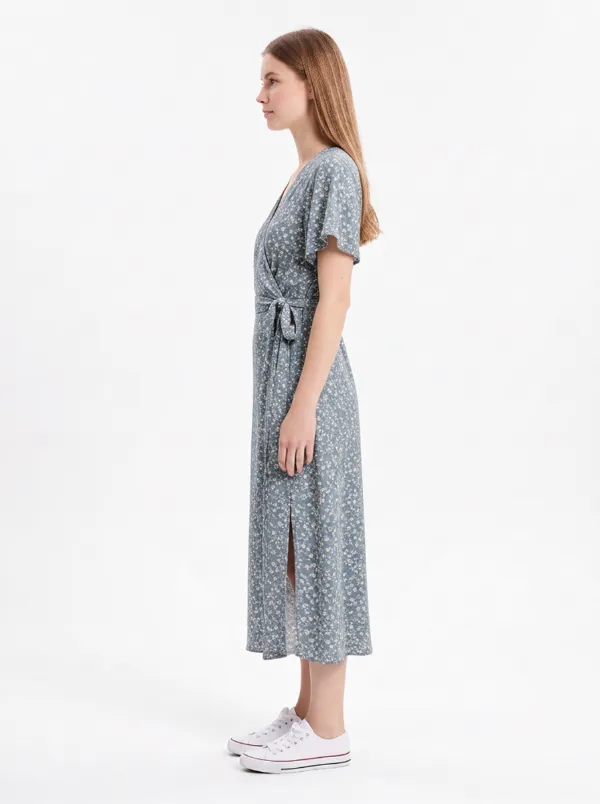
Front, back and side, in one click
Shoppers want to see a garment from every angle before they buy. Choose the poses and get a matching set of the same model, same light and same background, ready for your product page.
Turn the pose set into a video
Click Animate on any try-on image: a turn that ends on your real back view, a full 360° spin, a catwalk, fabric in motion, a hanger reveal and more, ready for your product page and Reels.
See Virtual Try-On VideoEvery market
From Western basics to eid collections and bridal wear
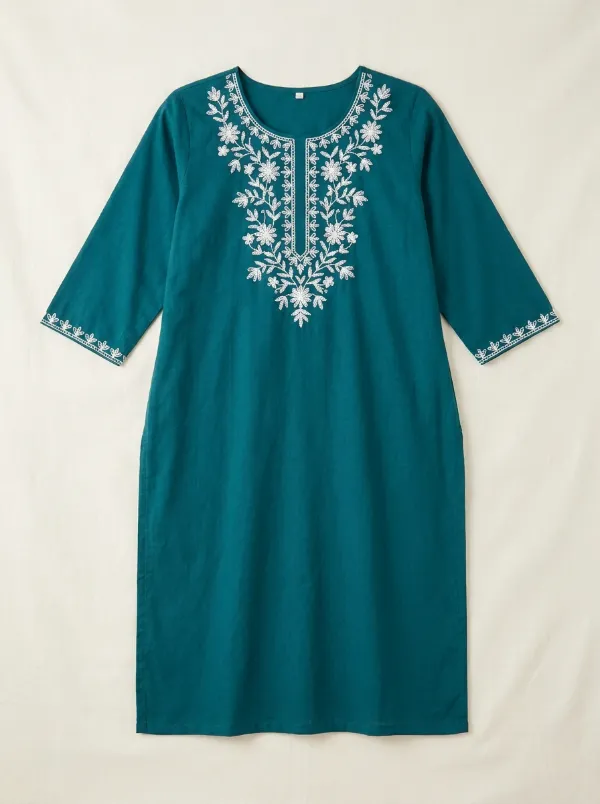
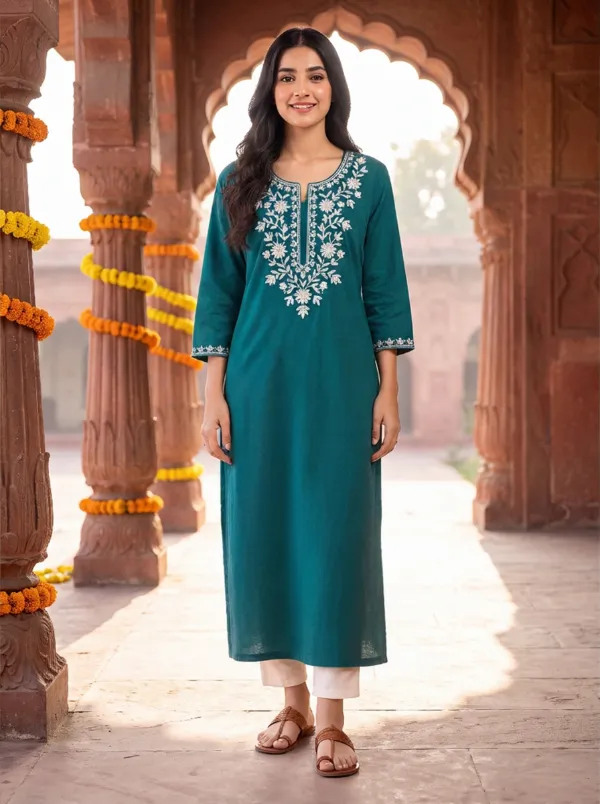
Models come dressed for the category they're made for, with scenes to match: a festive courtyard for lawn suits and kurtas, a wedding stage for bridal lehengas, a café street for everyday wear. Your garment goes on; the setting sells it.
Style the rest of the look
Tell AbrimaAI what to change around your garment, like "change the jeans to black" or "make the sneakers brown". The model is restyled before your garment goes on, so your product stays exactly as you uploaded it.
A whole collection in one batch
With Bulk Images, put a whole drop on the same model, in several colors each, or make recolored product photos only. Every image lands in your library, ready to push to Shopify.
How it works
Upload your garment
A flat lay, hanger or mannequin photo is enough.
Pick a model and pose
From the library or your own model, one pose or a full set.
Add colors or styling
Optional: extra colors, or instructions for the rest of the outfit.
Generate and publish
Download, or push the photos straight to your Shopify product.
Simple, per-image pricing
Credits come with every plan and Top-Ups. See plans and pricing.
Frequently asked questions
What do I need to upload?
One clear photo of the garment: a flat lay, a hanger shot or a mannequin shot, in PNG or JPG up to 10 MB. Then pick a model and pose from the library (or your own model) and generate.
Does the garment stay accurate?
Try-on is built to keep your garment's cut, color, print and details, and puts it on the model with natural drape and lighting. Check every image before you publish it, as with any AI image; small details can occasionally shift.
Who are the models?
The AbrimaAI library models are AI-generated people, not real individuals, so there are no model releases to manage. They cover a range of body types, skin tones and styles, from Western casual to South Asian, bridal and modest wear. You can also add photos of your own model, with their consent.
Can I show the same garment in different colors?
Yes. Pick up to 6 colors, from preset swatches or any color name or hex code. AbrimaAI recolors your garment photo, puts each color on the same model and pose, and also gives you a product-only photo per color. AI colors can differ slightly from your real fabric, so for an exact shade, upload a photo of that color.
Can I change the rest of the outfit?
Yes. Add styling instructions such as "change the jeans to black" or "make the sneakers brown". The model is restyled before your garment goes on, so your garment itself is never edited by the restyle.
Can I try on a whole outfit at once?
Yes. Choose Outfit and upload up to 5 pieces, one photo each: a top, trousers, shoes, a bag, a dupatta or a veil. The model wears the complete look in one image, styled together.
Can I change the background or the frame?
Yes. Pick one of 25 backdrops, from white and colored studios to wedding stages, haveli courtyards, Paris streets and hotel lobbies, and a frame from 1:1 to 9:16 or 16:9, in 2K or 4K. The scene changes around the model; your garment is never edited by it.
Can I do a whole catalog at once?
Yes. Bulk Images runs try-on for many garments on the same model in one batch, optionally in several colors each, or makes recolored product photos only, without a model.
What does it cost?
It uses image credits: 12 credits per try-on image, 14 more per color when recoloring, and 20 once (30 at 4K) when you add a backdrop, a new frame or styling. A full outfit of up to 5 pieces is 27 credits, or 48 at 4K, backdrop included. You only pay for images that are actually produced.
Can I use the images commercially?
Yes. The images you generate are yours to use on your store, marketplaces, ads and social media.
Want the details? Read our guide to AI virtual try-on for clothing.
Your next drop, on a model, today
Upload a garment photo and see it on a model in under a minute.
Try Virtual Try-On free